

CosmicShot
A CleanShot X-style screenshot, screen-recording and annotation tool for Pop!_OS / COSMIC on Wayland — drag-select over a dimmed desktop and land straight in an editor.
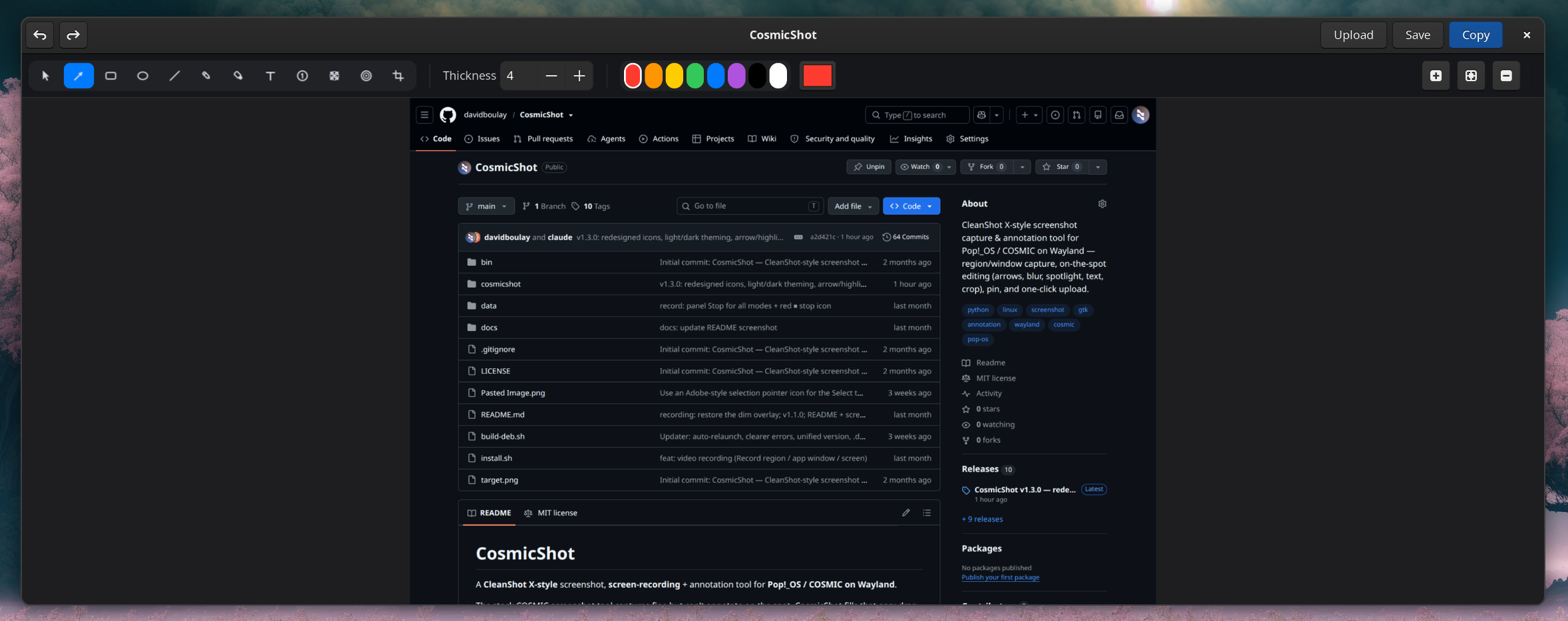
About
The stock COSMIC screenshot tool captures fine but can't annotate on the spot. CosmicShot fills that gap: drag-select a region over a dimmed desktop with a live size readout, then land straight in an editor to draw arrows and boxes, add text and numbered steps, blur the sensitive bits — and copy, save, or upload a shareable link in one click.
It also records the screen to MP4 through the ScreenCast portal (with optional system audio or microphone), takes scrolling screenshots that stitch a long page into one tall image, and lives quietly in the panel as a tray icon.
Highlights
- Dimmed region selector — crosshair, live W × H readout, resize handles, multi-monitor aware
- Capture modes — region, whole screen, or a specific app window
- Scrolling screenshots — scroll through a long page and get one stitched image
- Screen recording — region, window or screen to MP4, with optional audio and a preview player
- On-the-spot editing — arrows, boxes, text, blur, spotlight, crop, numbered steps
- Share instantly — copy, save, pin to screen, or upload for a link
Install
curl -fsSL https://davidboulay.github.io/CosmicShot/install.sh | sudo bash
One line adds the signed APT repository; updates then arrive with sudo apt upgrade.
More apps

Clippy
Clipboard history in a strip of tiles

Solstice Calendar
A fast, native-feeling calendar for Linux

Space Control
Hide the mail spaces you never use

CosmicUpdate
Pending updates, right in the panel

TrueNAS Apps Watcher
Your NAS updates, from the desktop

Home Assistant Watcher
Home Assistant updates, in the panel

CosmicDNS
One-click DNS switching from the panel